Daily Habits That Overheat Smartphones in Cars: Causes and Solutions
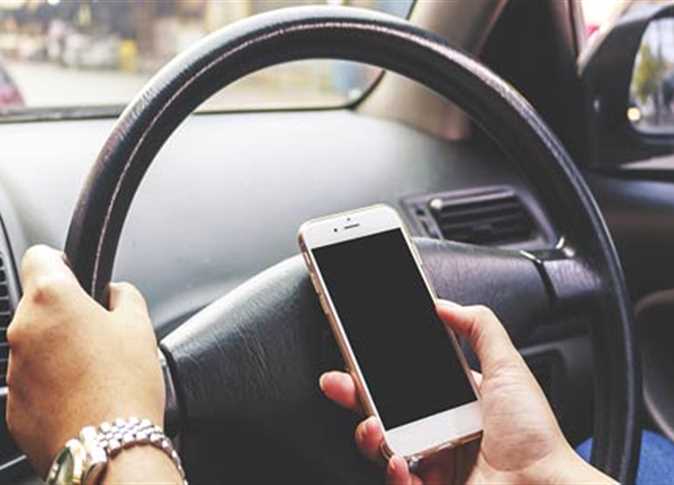
As summer temperatures surge, smartphone users face significant challenges related to device overheating, particularly when operating phones inside vehicles during extended drives.
The combination of high cabin temperatures, direct sunlight, and running multiple processor-intensive applications simultaneously places immense strain on hardware components and battery cells.
According to technical reports published by "How to Geek," several non-obvious background processes and connectivity configurations accelerate heat generation during commutes, alongside practical adjustments designed to mitigate performance degradation.
The Thermal Impact of VPN Services
Many drivers maintain continuous Virtual Private Network (VPN) connections for data encryption and privacy. However, operating a VPN inside a moving vehicle drastically increases power consumption.
As the phone transitions continuously between cellular towers, it is forced to repeatedly re-establish secure connections with the VPN server.
This constant handshake process taxes the primary processor, especially in areas with fluctuating signal strength. Technical experts recommend disabling VPNs during travel or configuring "Split Tunneling" to bypass encryption for navigation and media streaming apps, thereby reducing hardware load.
5G Network Hunting and Heat Generation
While 5G networks deliver ultra-fast data transfer rates, they represent a primary source of smartphone thermal buildup inside vehicles.
As a car moves, the device constantly scans for optimal coverage, toggling between 5G and LTE bands based on local signal availability. This continuous frequency scanning consumes excessive battery power and elevates internal temperatures.
Given that navigation apps and music streaming do not require 5G bandwidth, switching network settings to 4G or LTE prior to driving conserves energy and stabilizes device temperature.
Background Location Tracking and Resource Drain
Global Positioning System (GPS) usage extends beyond primary navigation applications; numerous background services continuously request location data.
Weather updates, shopping platforms, fitness trackers, and smart home tools routinely ping GPS modules even when not actively displayed.
This sustained background activity keeps the location chip active, contributing directly to motherboard heat accumulation.
Users are advised to review application permissions regularly and restrict location access solely to active usage rather than continuous background tracking.
Actionable Steps to Maintain Lower Operating Temperatures
Mitigating thermal risk during driving can be achieved through 5 targeted operational adjustments:
- Disabling non-essential VPN services or isolating navigation tools via split tunneling.
- Configuring cellular data settings to 4G/LTE instead of 5G during vehicle travel.
- Revoking background location permissions for non-critical applications.
- Avoiding direct sunlight exposure on the vehicle dashboard.
- Mounting the device near air conditioning vents or shaded, ventilated cabin areas.
In conclusion, analyzing the factors behind smartphone overheating inside vehicles reveals that background software configurations and wireless network hunting play as significant a role as ambient summer temperatures.
Implementing simple operational adjustments, such as managing location permissions and opting for 4G connectivity, substantially reduces thermal stress on internal hardware and preserves battery health.
Adopting these proactive tech habits ensures optimal device performance and reliability throughout daily commutes and long journeys.